What It Is
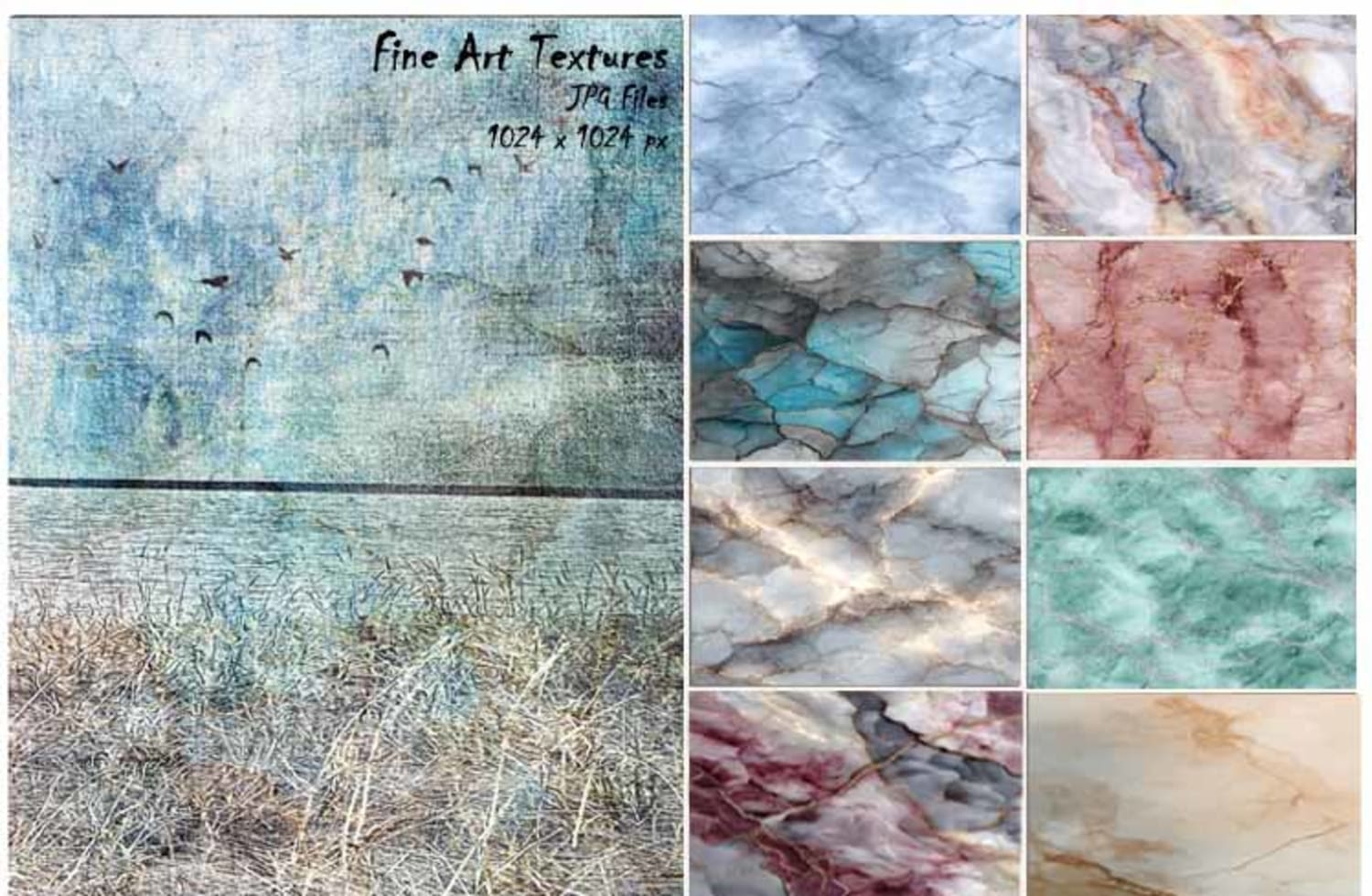
Marble Textures Bundle is a downloadable set of high-resolution marble texture files designed to help you finish images in Photoshop.
These textures are made to be layered on top of your photo to add depth, mood, and visual cohesion.
They work as the final step that pulls all your edits together.
You receive a digital download.
No plugins. No presets.
Just texture files you can use again and again.
Who It’s For
This bundle is for photographers and digital artists who:
- Edit in Photoshop
- Feel like their images look flat or unfinished
- Want a simple way to add depth and polish
- Don’t want to over-edit or complicate their workflow
- Create fine art, composites, portraits, or conceptual work
If you’ve ever thought, “Something feels off, but I don’t know what,” this bundle was made for you.
The Problem It Solves
Many images fail at the final stage.
The subject is good. The edit is solid.
But the image still doesn’t feel complete.
This usually happens because:
- The image lacks cohesion
- The light and tones feel disconnected
- The edit feels technical instead of emotional
The Marble Textures Bundle solves this by giving you a subtle, controlled way to unify your image.
It adds visual weight without overpowering the photo.
It helps your image feel intentional, finished, and calm.
What’s Inside
- A curated set of high-resolution marble texture files
- Natural marble patterns with soft variation
- Neutral tones designed to work with most color palettes
- Files sized for high-quality Photoshop work
- Textures that work with blend modes and low opacity
- Easy to mask for selective use
- Reusable across unlimited personal and client projects
These textures are designed to enhance your image—not take it over.
Why It’s Worth It
- Saves time at the final stage of editing
- Removes guesswork when an image feels “almost done”
- Helps images feel cohesive and complete
- Reduces over-editing and second-guessing
- Gives you a reliable finishing tool you can reach for every time
- Instead of starting over or adding more adjustments, you add one layer—and move on with confidence.