Starting a new job brings a lot of information at once: unfamiliar systems, new coworkers, recurring meetings, active projects, deadlines, and workplace expectations that may not be written down. It is easy to leave the first week with scattered notes and unanswered questions.
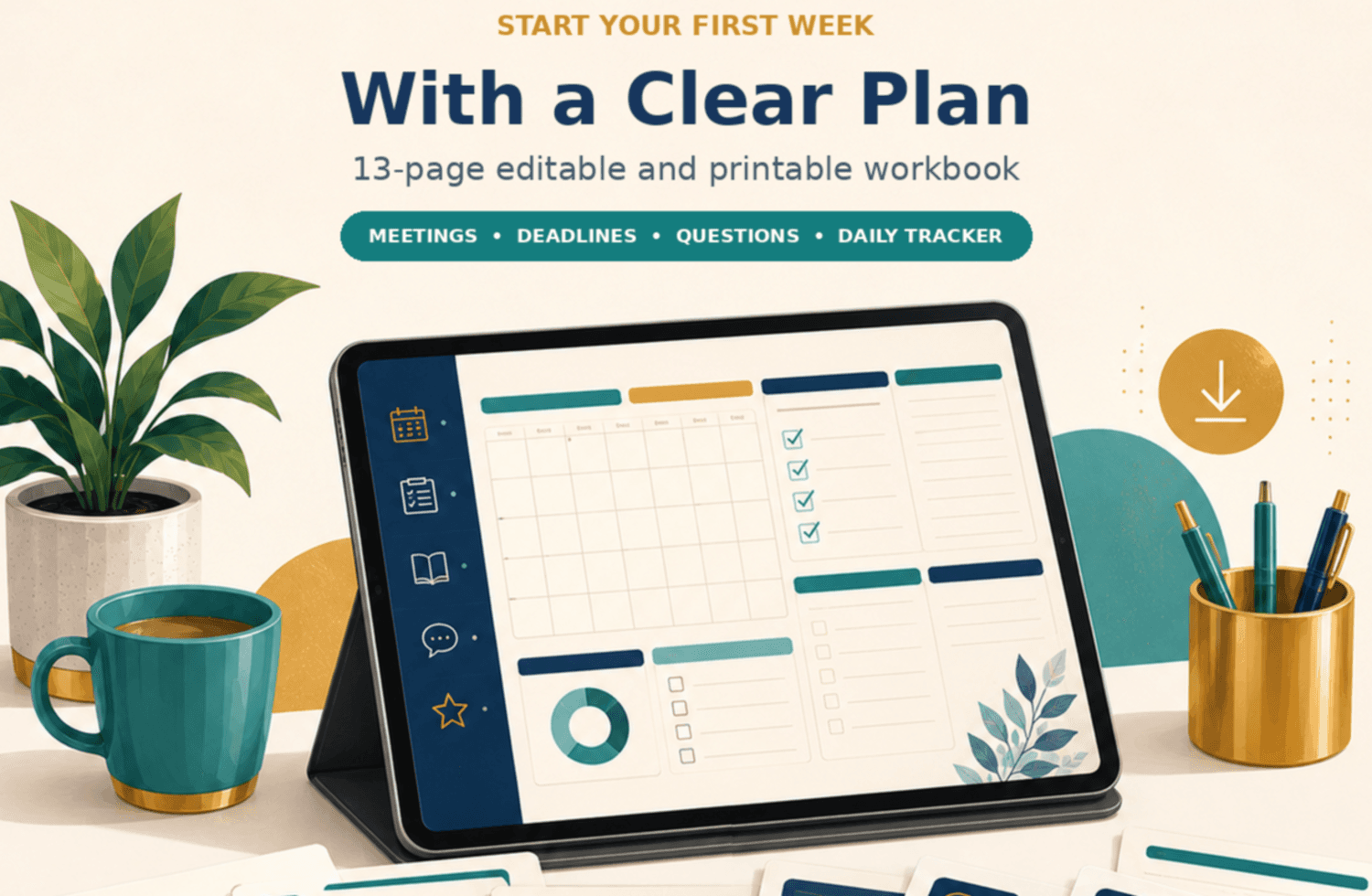
Surviving Your First Week at a New Job is a practical, digitally editable and printable workbook that helps you organize what you learn, identify what still needs clarification, and prepare for useful conversations with your manager and team.
Instead of trying to remember everything, you will create a personal first-week reference system—one that helps you find information again, follow up appropriately, and avoid asking the same question twice.
Inside the workbook
- A before-you-start preparation checklist
- Day-one priorities and an access-needs inventory
- A recurring-meetings and calendar map
- An active-projects, deadlines, and deliverables tracker
- Manager-alignment questions for priorities, expectations, and feedback
- Stakeholder and communication-preference worksheets
- A secure tool, access, and resource log
- A reusable daily learning and task tracker
- Question, terminology, and follow-up logs
- An end-of-week reflection and early-wins summary
What this workbook helps you do
- Reduce first-week uncertainty
- Ask more specific and useful questions
- Keep important information in one organized place
- Understand what meetings, projects, and deadlines affect your role
- Document progress and prepare for your next manager check-in
Who it is for
- Employees beginning a new job
- Employees moving into a new role or department
- Returning workers who want a structured first-week plan
- Anyone whose employer provides limited or fast-moving onboarding
Important This workbook complements your employer’s onboarding program. It does not replace company policies, required training, manager direction, or approved information-security practices. |
Download the workbook before your first day—or begin using it at any point during your first week—to turn scattered information into a practical plan.
BONUS: Editable Excel Companion Workbook Included
Prefer to organize your first week digitally? You will also receive an editable Excel version of the workbook at no additional cost.
The Excel companion workbook includes multiple organized tabs to help you:
• Prepare before your first day
• Track meetings, projects, deadlines, and priorities
• Record important people and communication preferences
• Organize tools, access needs, shared files, and resources
• Capture questions, decisions, acronyms, and unfamiliar terms
• Track daily learning, tasks, follow-ups, and progress
• Prepare your end-of-week update and Week 2 plan
It also includes drop-down status fields, filters, color-coded progress indicators, reusable entry rows, and a progress summary.
Use the printable workbook, the Excel version, or both—whichever works best for you.
Your purchase includes:
• Surviving Your First Week at a New Job workbook
• Editable Excel companion workbook
• Immediate digital access to both files