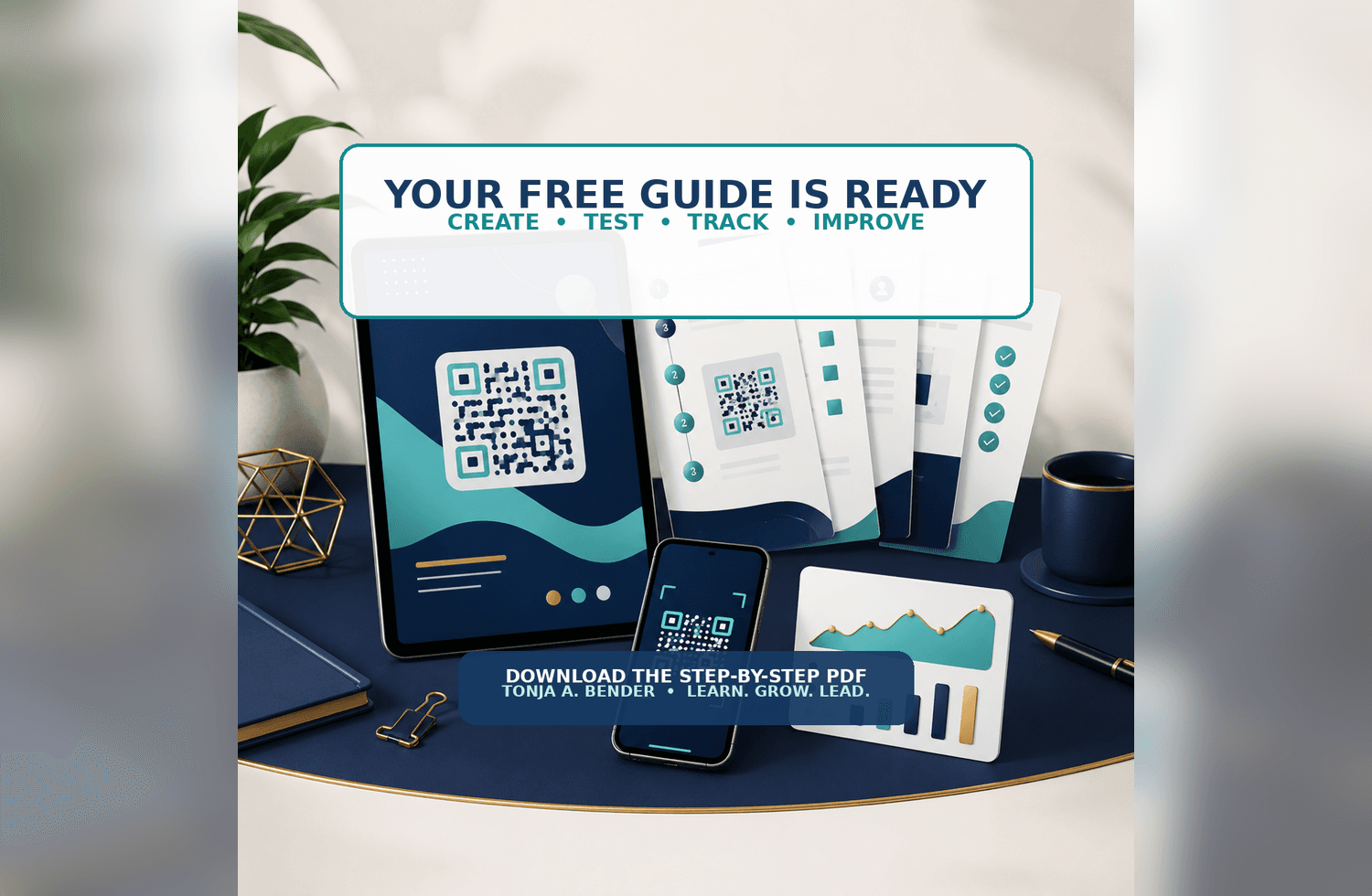
Create a trackable QR code for your LinkedIn profile—even if you have never made one before. This free step-by-step guide helps you create the code, test the full scanning experience, and understand its scan activity using ME-QR.
What it is
A 12-page PDF guide that takes you from setting up your ME-QR account to downloading, placing, and maintaining your finished QR code.
 Who it is for
Job seekers, career changers, freelancers, presenters, networking-event attendees, and anyone who wants to connect printed or visual materials to a professional online profile.
What is inside
• A seven-step beginner walkthrough covering account creation and verification, link selection, QR code design, and downloading
• An explanation of basic versus trackable QR codes and how to connect yours to the correct LinkedIn profile URL
• Beginner-friendly design and download settings
• Testing and placement checklists for digital designs and printed materials
• A plain-language guide to scan totals, time, general location, and device information—including what those numbers cannot tell you
• A maintenance log and troubleshooting table to help keep the code working
• Ideas for repeating the process with other public web links
What problem it solves
A QR code may look right but open the wrong profile, fail after printing, or show scanners an unexpected screen. This guide shows you what to check before sharing your code and what to try if something goes wrong.
Why it is worth getting
You can finish with a working code that opens your LinkedIn profile, plus a practical way to see whether it is being scanned. The checklists also give you a reference to use whenever you place the code in a new design.
Before you share
ME-QR states that codes on its free plan show scanners an advertisement before the destination opens. The guide explains this tradeoff and walks you through testing the complete experience before professional use. Scan analytics describe activity; they do not identify who scanned your code.
Enter your name and email below to access the PDF and create your first trackable QR code.