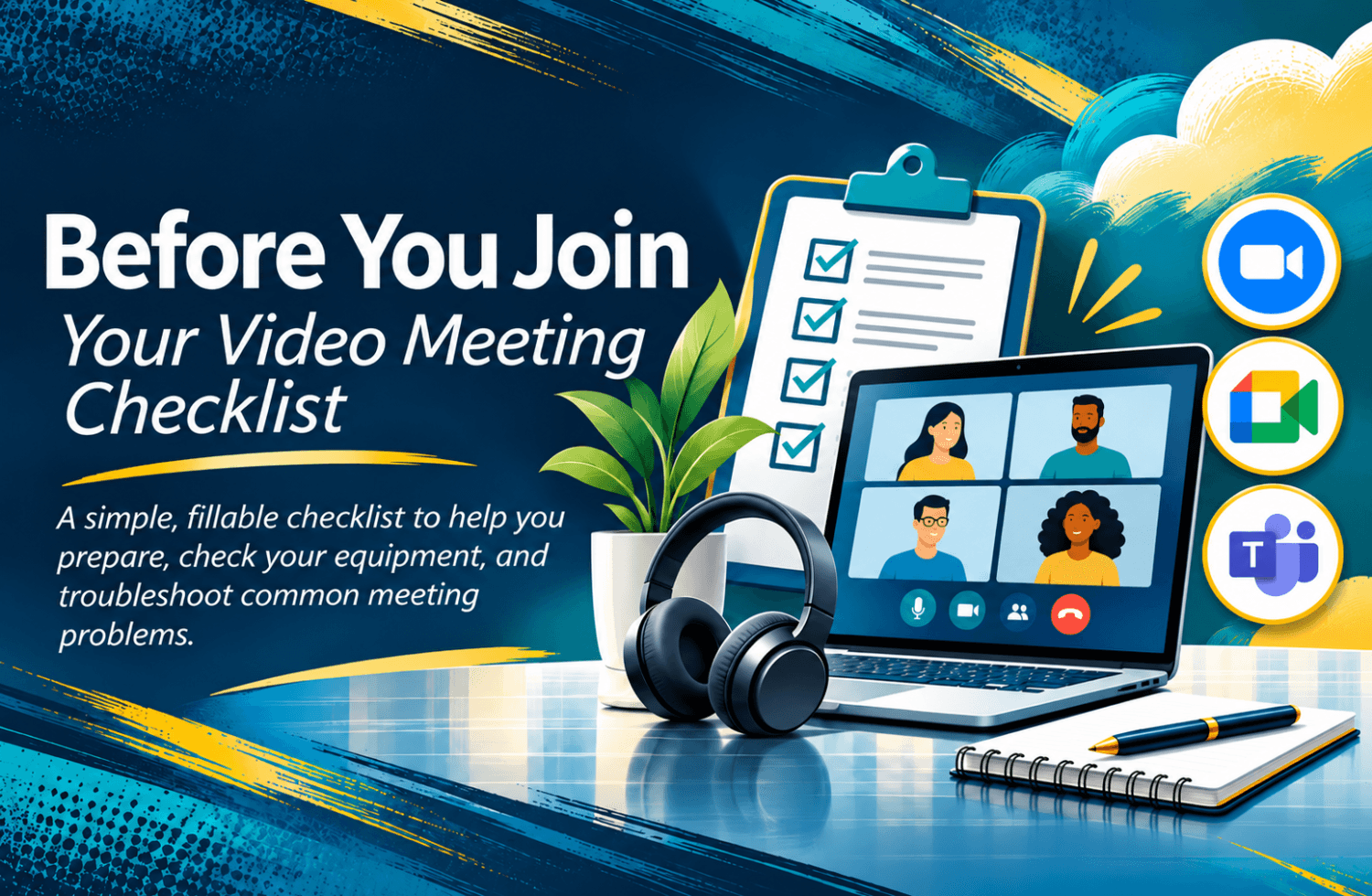
A few quick checks can make your next video meeting easier.
Have you ever joined an online meeting only to discover that nobody could hear you, your camera wasn't working, or you couldn't hear anyone else?
Before You Join: Your Video Meeting Checklist is a free, two-page fillable PDF designed to help you prepare, find the right settings, and troubleshoot common problems.
Who is this for?
This checklist is useful for anyone who attends video meetings, especially beginners, new employees, job seekers, and people who don't use video meeting software regularly.
Whether you're attending training, joining a team meeting, participating in a virtual interview, or connecting with others online, the checklist gives you a simple reference to keep nearby.
What's included?
✅ Before-Meeting Preparation — Check your invitation, meeting time, equipment, and workspace.
🎤 Microphone, Camera & Speaker Checks — Confirm that the correct devices are selected before joining.
⚙️ During-Meeting Settings — Learn where to look when you need to adjust your audio or video settings.
🔧 Troubleshooting Tips — Find practical suggestions for common audio, camera, and meeting-access problems.
🔗 Official Help Resources — Access support information for Zoom, Google Meet, and Microsoft Teams.
How does it work?
- Download your free PDF.
- Open it in Adobe Acrobat Reader or another compatible PDF application.
- Check off items as you complete them.
- Add your own reminders in the fillable fields.
- Save your completed checklist for future meetings.
You can also print a copy if you prefer working on paper.
Why keep this checklist?
You don't need to learn every feature of your video meeting software at once.
Start with the basics, practice checking your equipment, and keep a helpful reference nearby for the next time you need it.
Free to download. No purchase required.
Here's to learning one step at a time!
Tonja