

Many people like the idea of selling digital products.
The appeal is simple.
You can create something once and sell it many times online.
But the real challenge is not the technology.
The challenge is knowing what to make and how to structure it so people actually want it.
A digital product that works well is rarely complicated.
It usually solves one clear problem in a simple way.
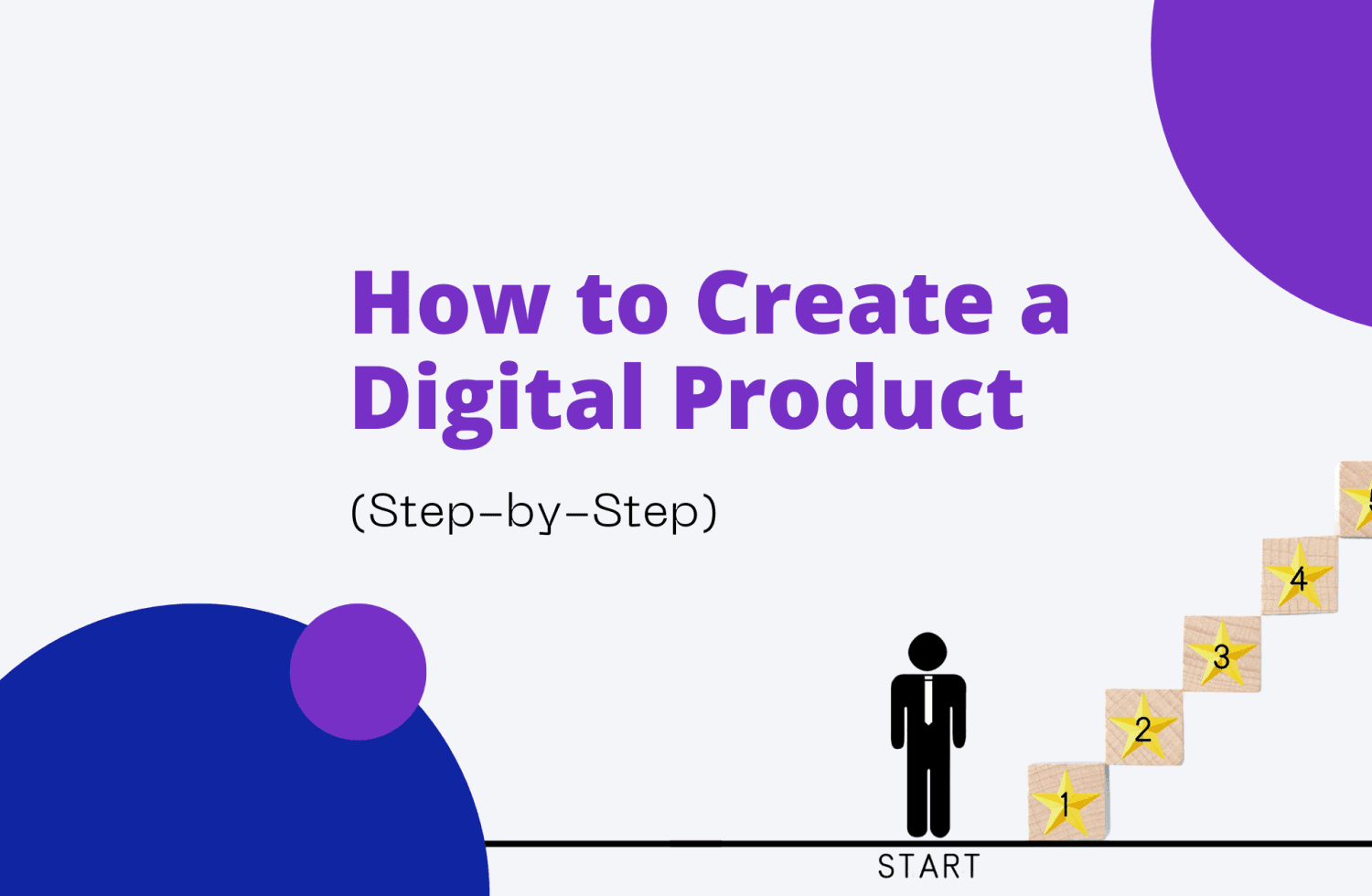
This guide walks through the process step by step so you can turn an idea into a useful digital product.
Step 1: Choose a Problem to Solve
The first step is not choosing a format.
It is choosing a problem.
Many creators begin with the wrong question.
They ask what kind of product they should make.
That leads to vague ideas like creating a course, a planner, or an ebook.
But people do not buy formats.
They buy solutions.
The stronger question is this:
What problem do people run into again and again?
Look for situations where people feel stuck, confused, or frustrated.
These are signals that a digital product could help.
For example:
A new manager struggling to run productive meetings
A freelancer rewriting proposals for every client
A job seeker unsure how to answer difficult interview questions
A small business owner unsure how to price services
Each of these problems happens frequently.
That repetition creates demand.
A useful way to test an idea is to ask:
Do people complain about this problem often?
Does solving this problem save time or prevent mistakes?
Would someone feel relief if the solution existed?
If the answer is yes, the idea is worth exploring.
Step 2: Choose the Digital Product Format
Once you identify the problem, the next step is choosing the format that solves it best.
Different problems require different formats.
For example:
Templates work well when people repeat the same task.
Checklists help people avoid missing important steps.
Guides explain a process from start to finish.
Mini courses teach a specific skill.
Toolkits combine several resources into one practical system.
The key is to choose the format that makes the solution easier to use.
For example, if the problem is writing proposals, a template might be the best solution.
If the problem is preparing for interviews, a guide with example answers might be more helpful.
Many creators assume bigger products are more valuable.
In reality, smaller products that solve one problem clearly are often more useful.
The best format is the one that helps someone take action quickly.
Step 3: Create the Content
Once the format is clear, the next step is creating the content.
This stage is where many people overcomplicate things.
A strong digital product does not need to include everything you know about a topic.
It needs to include what someone needs to finish a task.
Start by outlining the steps required to solve the problem.
Ask yourself:
What does someone need to know before they start?
What do they need during the process?
What helps them confirm they did it correctly?
For example, a product about running better meetings might include:
A meeting preparation checklist
A clear agenda template
Example questions to guide discussion
A simple follow-up summary template
This approach keeps the product practical and focused.
If a product helps someone complete a task faster, it becomes valuable immediately.
Step 4: Package the Product
After the content is created, it needs to be packaged in a way that feels clear and usable.
Packaging is more than design.
It is about how the product is presented and organized.
Start with a title that explains the result the buyer will get.
For example:
A guide called “Interview Confidence” is vague.
A guide called “How to Answer the 20 Hardest Interview Questions” is much clearer.
Next, organize the content so it is easy to navigate.
Use sections, headings, and simple formatting.
The goal is to help the buyer find what they need quickly.
You should also include a short introduction explaining:
Who the product is for
What problem it solves
How to use it
Good packaging removes confusion.
When people understand a product instantly, they feel more confident buying it.
Step 5: Choose a Platform to Sell It
The final step is deciding where to sell your digital product.
Several platforms make this process simple.
Each platform supports slightly different selling styles.
Platforms Creators Use to Sell Digital Products
Gumroad
Gumroad is a simple platform designed for selling digital goods.
Creators often use it to sell guides, templates, courses, and other downloadable products.
It is known for its straightforward setup and easy payment processing.
Shopify
Shopify allows creators to build a full online store.
It is useful for people who want more control over branding, product pages, and marketing.
Shopify also supports digital downloads through apps that deliver files automatically after purchase.
Etsy
Etsy is a marketplace where buyers already search for digital items such as templates, art prints, planners, and design resources.
For creators who want built-in traffic, Etsy can be a useful starting point.
creatyl
creatyl allows creators to sell digital products, courses, coaching, memberships, lead magnets, custom products/services and communities in one place.
It works well for creators who want to combine digital products with educational content and community access.
Bringing It All Together
Creating a digital product does not require a large team or complex technology.
The process is simple when you focus on the fundamentals.
Choose a real problem.
Pick a format that solves that problem.
Create practical content that helps someone complete a task.
Package the product clearly.
Choose a platform that fits your needs.
When each step is clear, the final product becomes something people can understand and use quickly.
And when a digital product solves a real problem, people are much more likely to value it.